

Managing rental listings efficiently is an important part of being a landlord or property manager. If a property has been rented, sold, or is no longer available, you may want to remove it from Zillow Rental Manager to avoid confusion, inquiries, or outdated information.
This guide explains how to delete or remove a property on Zillow Rental Manager, when deletion is appropriate versus deactivation, and what to do if the delete option is not available. All instructions are based on publicly available user workflows, and interfaces may change over time.
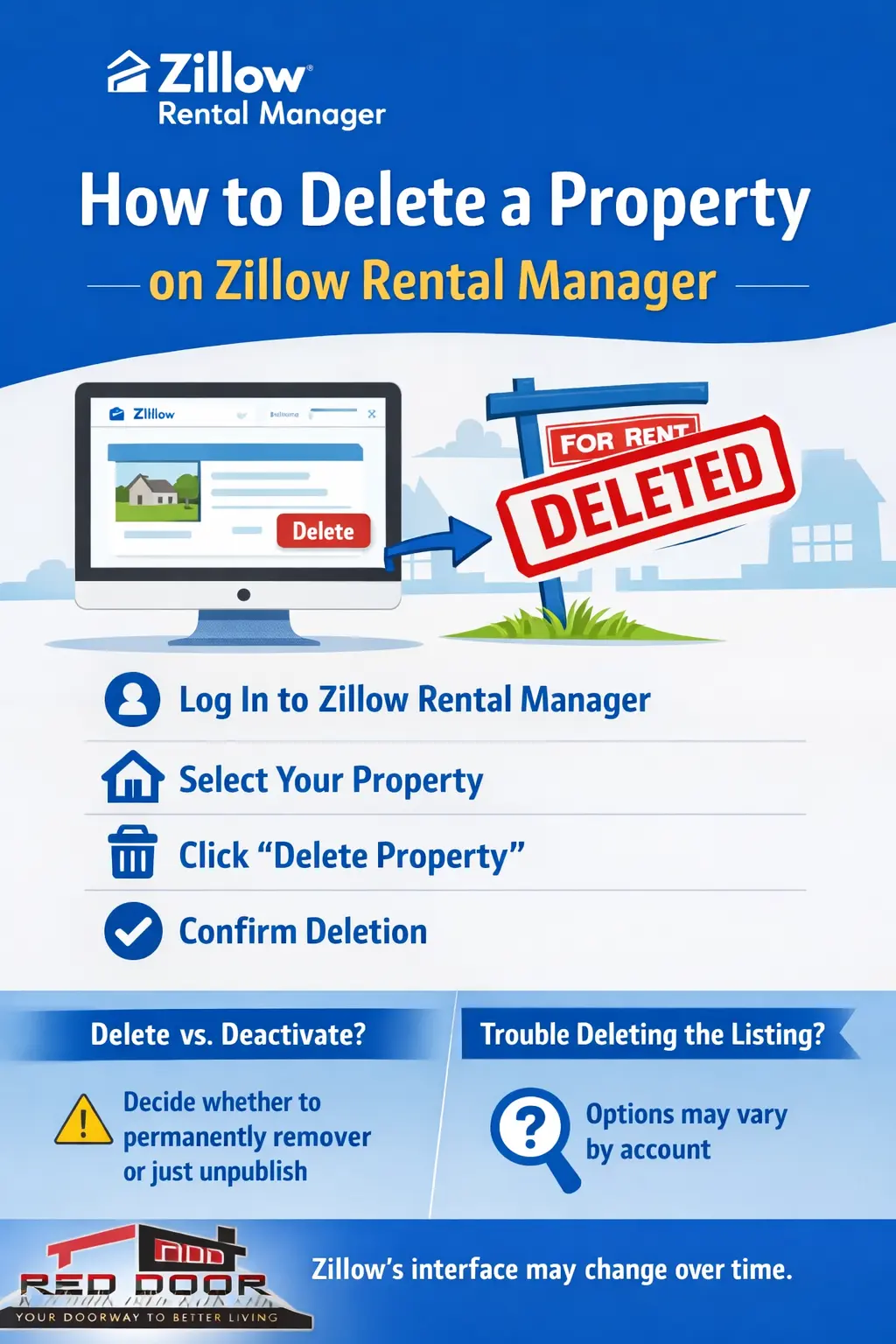

Why Someone May Want to Delete a Property on Zillow Rental Manager
Landlords and property managers choose to remove properties for several common reasons:
-
The property has been rented or leased
-
The home has been sold
-
The listing was created by mistake
-
The property is no longer intended to be rented
-
The listing information is outdated or incorrect
-
You want to clean up old or inactive listings in your account
Zillow Rental Manager allows users to manage listings themselves, including pausing, unpublishing, or deleting properties depending on the listing’s status.
When You Should Delete vs. Deactivate a Listing
Before deleting a property, it’s important to understand the difference between deleting and deactivating (unpublishing) a listing.
Delete a Property When:
-
You no longer need the property in your account at all
-
The property was added incorrectly
-
You do not plan to relist the property in the future
-
You want to permanently remove listing data
Deactivate or Unpublish a Listing When:
-
The unit is temporarily unavailable
-
You may relist the property later
-
You want to keep application or listing history
-
The property is currently rented but may open again
In many cases, deactivating is the safer option if you are unsure whether you’ll need the listing again.
How to Delete a Property on Zillow Rental Manager (Step-by-Step)
Zillow Rental Manager allows users to delete properties directly from their dashboard, provided certain conditions are met.
Step 1: Log in to Zillow Rental Manager
-
Go to the Zillow website
-
Sign in using the account associated with the rental listing
-
Navigate to Zillow Rental Manager
Step 2: Open Your Properties Dashboard
-
From the dashboard, locate the Properties or Listings section
-
Find the property you want to remove
Step 3: Select the Property
-
Click on the property name or listing card
-
This will open the property management view
Step 4: Access Property Settings
-
Look for an Edit, Manage, or Settings option
-
This is usually represented by a menu icon or text link
Step 5: Choose the Delete Option
-
If available, select Delete Property or Remove Listing
-
Zillow Rental Manager may ask you to confirm your choice
Step 6: Confirm Deletion
-
Confirm the deletion when prompted
-
Once deleted, the property is removed from your account and is no longer visible to renters
Important: Once a property is deleted, it typically cannot be recovered. Any associated listing history, applications, or messages may be permanently removed.
How to Remove a Rental Listing from Zillow Rental Manager (Without Deleting)
If you don’t see a delete option, you may still be able to unpublish or deactivate the listing.
-
Open the property
-
Look for a Deactivate, Unpublish, or Mark as Rented option
-
Save your changes
This removes the listing from public view while keeping the property in your account.
Can’t Delete a Property on Zillow? Here’s What to Do
Some users report that the delete option is missing. This can happen for several reasons.
Common Reasons the Delete Option Is Missing
-
The listing has active or past rental applications
-
The property is marked as currently rented
-
The account does not have full ownership permissions
-
The listing was syndicated or imported from another source
What You Can Try
-
Mark the property as Rented
-
Deactivate or unpublish the listing first
-
Remove active applications if allowed
-
Refresh your dashboard or try a different browser
-
Check that you’re logged into the correct account
Zillow Rental Manager allows users to manage their own listings, but certain listing states may limit deletion.
Common Issues and Fixes
Issue: Property Still Appears in Search
-
Ensure the listing is fully unpublished
-
Allow time for search results to update
Issue: Multiple Duplicate Listings
-
Delete incorrect duplicates
-
Keep only the active or correct version
Issue: Can’t Edit or Delete Listing
-
Confirm you are the listing owner
-
Verify account permissions
Frequently Asked Questions
Can I delete a property after it’s rented?
In many cases, you may need to mark the property as rented or deactivate it instead of deleting it immediately.
Will deleting a property remove all messages and applications?
Yes, deletion may permanently remove associated data. Consider exporting or reviewing information first.
Can I re-add a deleted property later?
Yes, but you will need to create a new listing from scratch.
Is deleting the same as hiding a listing?
No. Deleting permanently removes it, while hiding or unpublishing simply removes it from public view.
Final Tips for Landlords and Property Managers
-
Always decide whether deletion or deactivation is best before removing a listing
-
Keep records of applications and communications before deleting
-
Review listings periodically to keep your account organized
-
Be aware that Zillow’s interface and options may change over time
-
Use listing removal to maintain accurate, up-to-date rental information for prospective tenants
About the Author
George M. Mrad
Founder & CEO, Red Door Metro
A real estate agency based in Tysons Corner, Virginia, serving buyers, sellers, landlords, and investors across the Washington DC Metro Area.
George M. Mrad and the Red Door Metro team bring decades of practical experience in residential real estate, rental management, and property marketing, helping landlords navigate modern listing platforms with clarity and confidence.